The Chiller Has a Login: A One-Day Plan to Separate Building Systems from the Corporate LAN
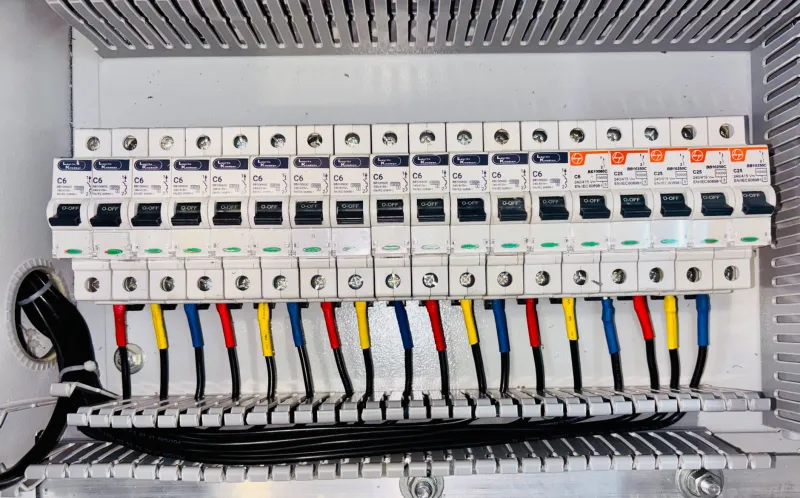
Most small and mid-sized UK organisations did not set out to run building technology on the corporate network. It accumulated. A door access system was installed by a security contractor, a chiller was commissioned with a remote monitoring gateway, a smart meter was fitted with a communications hub, and a leak detection system was added after an insurance review. Each arrived with a cable, a login and an assumption that somebody else would look after it.
The result is a corporate local area network carrying two very different populations. One is the familiar estate of laptops, servers and line-of-business applications, patched on a schedule and governed by policy. The other is operational technology: small, single-purpose devices that are rarely patched, often run obsolete firmware, and are frequently administered by an external supplier using shared credentials. The two share a broadcast domain and, all too often, a flat set of firewall rules.
As of 2026, this is one of the quieter structural weaknesses in SME IT. It is not usually a dramatic breach waiting to happen. It is a governance gap with a network cable plugged into it.
Why building systems fall outside the asset register
These devices are procured by facilities or operations, not by IT. Their warranty and support sit with the installing contractor. They may not accept an endpoint agent, and the supplier may explicitly advise against scanning them because a probe can upset a legacy controller. They have no user who logs in each morning, so they never appear in identity reports. And their firmware updates, when they exist at all, are applied by the supplier during a maintenance visit rather than through a patch cycle.
None of that is unreasonable in isolation. The problem is that the business still carries the risk. A networked door controller that grants access to a server room is a security device. A CCTV recorder holding weeks of footage is a personal data store. A heating controller with a remote login is an endpoint on your perimeter, whether or not anyone in IT has heard of it.
Begin with the wire, not the spreadsheet
An asset register will not help if the devices were never entered into it. Start with the network itself. Export the MAC address table from each managed switch and the current DHCP lease list from your router or server. Group the results by hardware vendor, using the first three bytes of each MAC address, and look for manufacturers associated with building controls, cameras and access systems.
The most useful filter is behavioural. A device that has held the same lease for months, has no corresponding user account, and generates only occasional outbound traffic is a strong candidate for a building system. Cross-check against the wireless controller for any service set identifier that looks like it belongs to facilities rather than staff. Then walk the building with the facilities lead and a printed port map. Cupboards, risers and plant rooms will explain most of what the switch data suggests.
Treat active scanning with care. A ping sweep is usually harmless. A full vulnerability scan against a fifteen-year-old controller is not, and can lock up plant in the middle of a working day. Passive discovery first; targeted checks only with the supplier's agreement.
Ownership is a contract question, not a technical one
For each device, three questions need a named answer. Who holds the administrator credentials? Who authorises and applies firmware updates? Who can reach the device remotely, and through what mechanism?
The answers are often unsatisfactory. Credentials may be the installer's default, changed once and known to a former employee. Remote access may be a port forward on the broadband router that nobody remembers creating, or a vendor cloud portal that bypasses your own authentication entirely. Firmware may have been updated during a service visit with no change record supplied to the business.
Put these obligations into the maintenance contract. Require notification before remote sessions, named contacts on both sides, a record of firmware versions after each visit, and confirmation that default credentials have been changed. A supplier who manages the function is not the same as a supplier who manages the risk.
Separate first, harden second
Perfect configuration can wait. Separation delivers most of the benefit and can be done in an afternoon. Create a dedicated virtual LAN for building systems and move the devices onto it. Where the estate is large enough, split further by function: one segment for CCTV, one for access control, one for plant. The purpose is to ensure that a compromised camera cannot reach a file server, and a compromised laptop cannot reach a door controller.
Default-deny between that segment and the corporate network. Permit only the specific flows the systems genuinely need: time synchronisation to an internal source, domain name resolution to your own resolver, syslog to a collector, and any vendor cloud endpoints the supplier can justify in writing. Block inbound connections from the internet entirely. Where a supplier requires remote access, route it through a jump host with multi-factor authentication and session logging rather than a direct tunnel to the device.
A one-day checklist
Morning: discover and document. Export switch MAC tables and DHCP leases. Identify candidate devices by vendor and behaviour. Walk plant rooms and comms cupboards with the facilities lead. Confirm which devices use the corporate wireless network. Record, for each device, its location, function, IP address, MAC address, supplier and current firmware version.
Afternoon: decide and isolate. Assign a named internal owner to every device. Create the building systems VLAN and move devices during a quiet period. Write the minimum necessary firewall rules and remove any existing port forwards. Change default credentials where the supplier permits it, and record where the remainder are held. Test that business systems still function and that the separated segment cannot initiate connections to the corporate network. Add the devices to the asset register with a review date.
What good looks like ninety days later
The building systems segment exists, is documented, and has an owner who is not the installing contractor. Remote access is brokered and logged. Firmware versions are known and reviewed at each maintenance visit. The incident response plan acknowledges that a facilities device may be the point of entry. None of that requires a large budget. It requires an afternoon, a printed port map, and a conversation with the person who holds the maintenance contract.